Getting Started
Get started with Chirpy basics in this comprehensive overview. You will learn how to install, configure, and use your first Chirpy-based website, as well as deploy it to a web server.
Get started with Chirpy basics in this comprehensive overview. You will learn how to install, configure, and use your first Chirpy-based website, as well as deploy it to a web server.
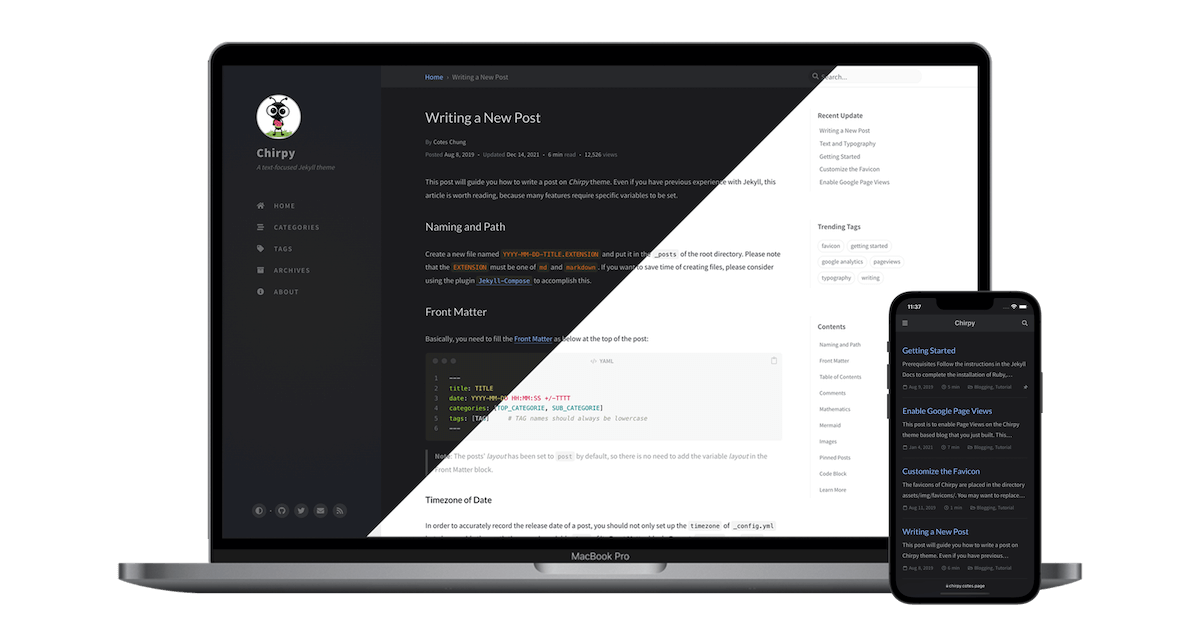
Examples of text, typography, math equations, diagrams, flowcharts, pictures, videos, and more.

Bienvenidos al Blog de Edgar Díaz Martínez 🌐 Estudiante de Administración de Sistemas Informáticos en Red (ASIR) 🎓 Sobre Mí ¡Hola! Soy Edgar Díaz Martínez, estudiante apasionado de ASIR (Adminis...

🌌 FROM: La Serie de HBO Max que Explora tus Peores Pesadillas 🌌 Si eres fanático del terror psicológico y las historias de misterio, FROM en HBO Max es una serie que no te puedes perder. Creada po...

🐾 Adopta un Amigo, Salva una Vida 🐶 <img src=assets/img/perro.jpg'> La adopción de perros es una de las maneras más hermosas de brindar amor y un hogar seguro a un ser vivo que lo necesita....
The favicons of Chirpy are placed in the directory assets/img/favicons/. You may want to replace them with your own. The following sections will guide you to create and replace the default favicons...
This tutorial will guide you how to write a post in the Chirpy template, and it’s worth reading even if you’ve used Jekyll before, as many features require specific variables to be set. Naming and...